
Automatic Whatnot giveaway entries that run on your own Windows PC. Run one bot or a whole farm, watch them live on a neon dashboard.
Built to run all day.
Everything runs locally on your PC with real Android phones (emulators). No cloud, no sharing your login with anyone.
Auto giveaway entries
Scans live Whatnot streams and enters the giveaways for you, around the clock.
Run many bots
One phone per bot. Up to 20, as many as your PC's RAM allows. The launcher suggests the right number.
Pick your categories
Pokémon, sports cards, coins & bullion, sneakers, comics and more, or everything at once.
Live dashboard
A neon control panel showing entries, wins, scans, CPU and RAM for every bot in real time.
Self-healing
Frozen phones and crashed sessions restart automatically, so the bots keep going overnight.
Your licence, your PC
Your code is locked to your own PC and checked offline. Nothing is sent to us while it runs.
Real runs, real wins
Screenshots from real runs of the WhatnotBot dashboard. Usernames are hidden.
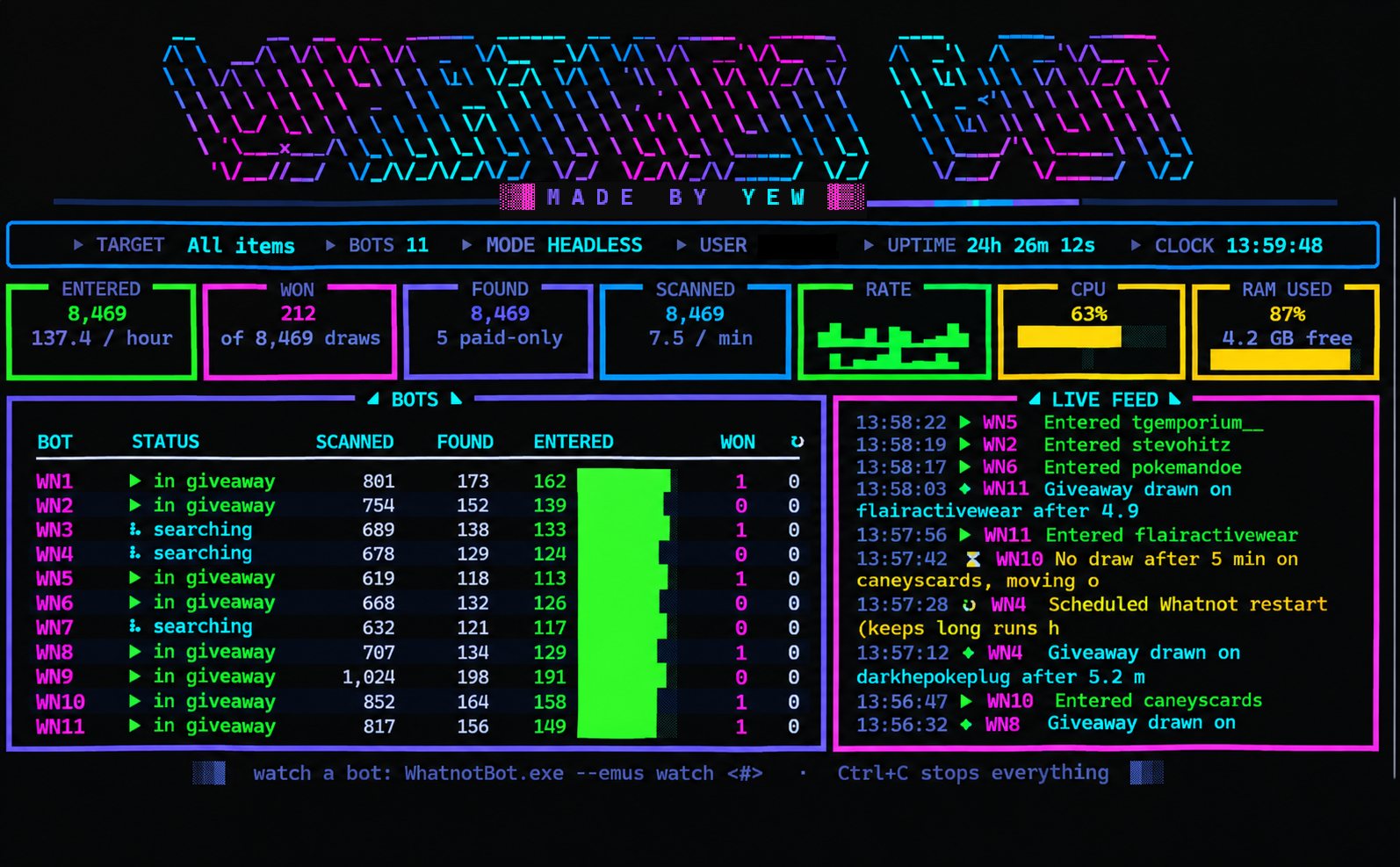
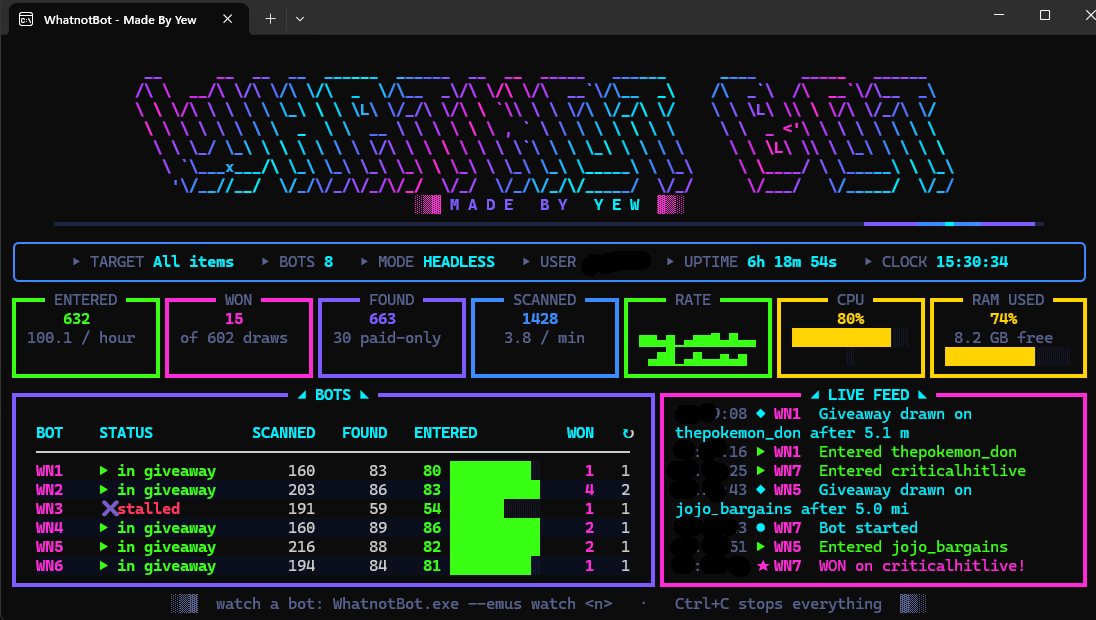

Results depend on your bot count, categories, PC and how many giveaways are live. Wins aren't guaranteed.
Simple plans
Pay right here with crypto (or use /buy in the Discord). Your code appears as soon as the payment confirms.
Weekly
- Up to 20 bots on your PC
- All categories
- Updates while active
- Discord support
Monthly
- Up to 20 bots on your PC
- All categories
- Updates while active
- Discord support
Yearly
- Up to 20 bots on your PC
- All categories
- Updates while active
- Discord support
Lifetime
- Up to 20 bots on your PC
- All categories
- All future updates
- Discord support
Every plan is the same bot; you're only choosing how long you have it for.
Up and running in 7 steps
First-time setup takes about 20–40 minutes, mostly the one-time download of the Android tools.
Buy a plan
Click Pay with crypto above (or run /buy in the Discord). Pay the amount shown in the coin you pick.
Get your code and download
When the payment confirms you get a purchase code (Discord buyers get a download code by DM). Enter it on the download page.
Run it and copy your Machine ID
Open WhatnotBot-Setup.exe. If Windows says "Unknown publisher", click More info → Run anyway. The installer shows your Machine ID with a Copy button.
Activate
Enter your purchase code and Machine ID on the activate page (Discord buyers: /activate <Machine ID>). Paste the auth code you get into the installer.
First run downloads the tools
Open WhatnotBot from your Desktop. Accept the tool setup (about 4 GB: Java, Android emulator, Appium). Approve the Windows admin prompt if it asks for the emulator driver.
Sign in on the phone
One phone opens on the "Add an account" screen. Tap Google, sign in, then install Whatnot from the Play Store and log in. A guide opens to walk you through it.
Choose your bots and go
Pick how many bots and which categories. The dashboard takes over from there.
System requirements
WhatnotBot runs Android phones on your PC, so RAM decides how many bots you can run.
Minimum
| OS | Windows 10 or 11, 64-bit |
| CPU | 4 cores, virtualization on in BIOS |
| RAM | 8 GB (1 bot) |
| Storage | 20 GB free (SSD) |
| Internet | Stable broadband |
| Accounts | A Google account and a Whatnot account |
How many bots?
| Your RAM | Bots |
|---|---|
| 8 GB | 1 |
| 16 GB | 5–6 |
| 32 GB | 12–14 |
| 64 GB | 25–30 |
Roughly (RAM − 4 GB) ÷ 2. A 6-core / 8-core CPU is recommended for more than a few bots.
Questions
Does my PC have to stay on?
Yes. The bots run on your PC, so they only work while it's on and WhatnotBot is open. They run at low priority, so you can keep using your PC.
Can I use it on two PCs?
Each code is locked to one PC. If you change or reset your PC, message Yew in Discord to move your licence.
Windows says "Unknown publisher". Is it safe?
That's shown for apps without a paid Microsoft-trusted certificate. The installer is signed by Yew. Click More info → Run anyway. If antivirus flags a file, send Yew the detection name instead of turning protection off.
What happens when my plan ends?
The bots stop and tell you your time has run out. Renew with /buy and paste your new code. Changing your PC's clock won't extend it.
Do you need my passwords?
No. You sign in to Google and Whatnot yourself, on the phone on your own PC. Never send your password to anyone, including Yew.
Can I get help setting up?
Yes. Ask in the Discord and include a screenshot of any error.
Get WhatnotBot
Customers only: enter the code you got when you bought to download.